
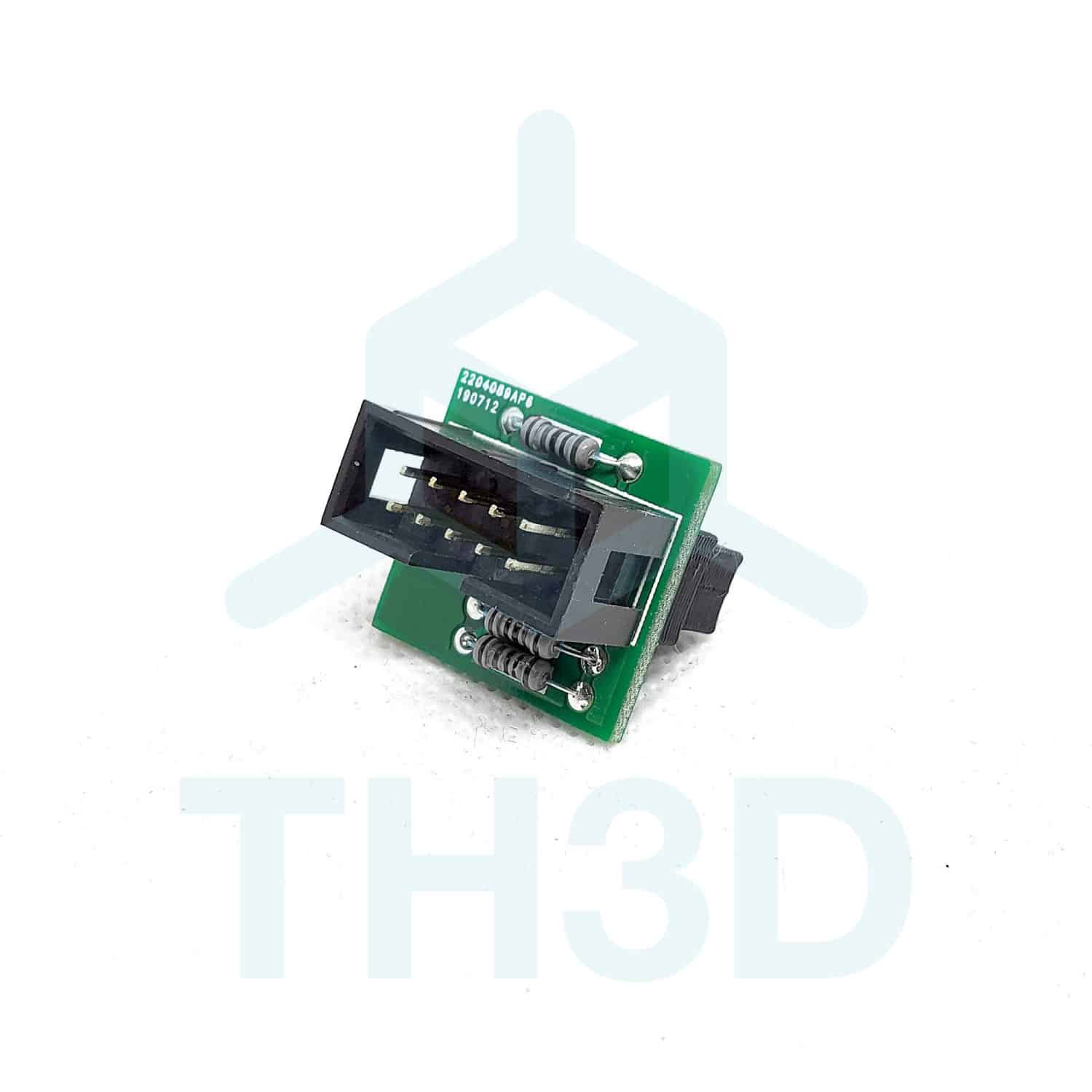
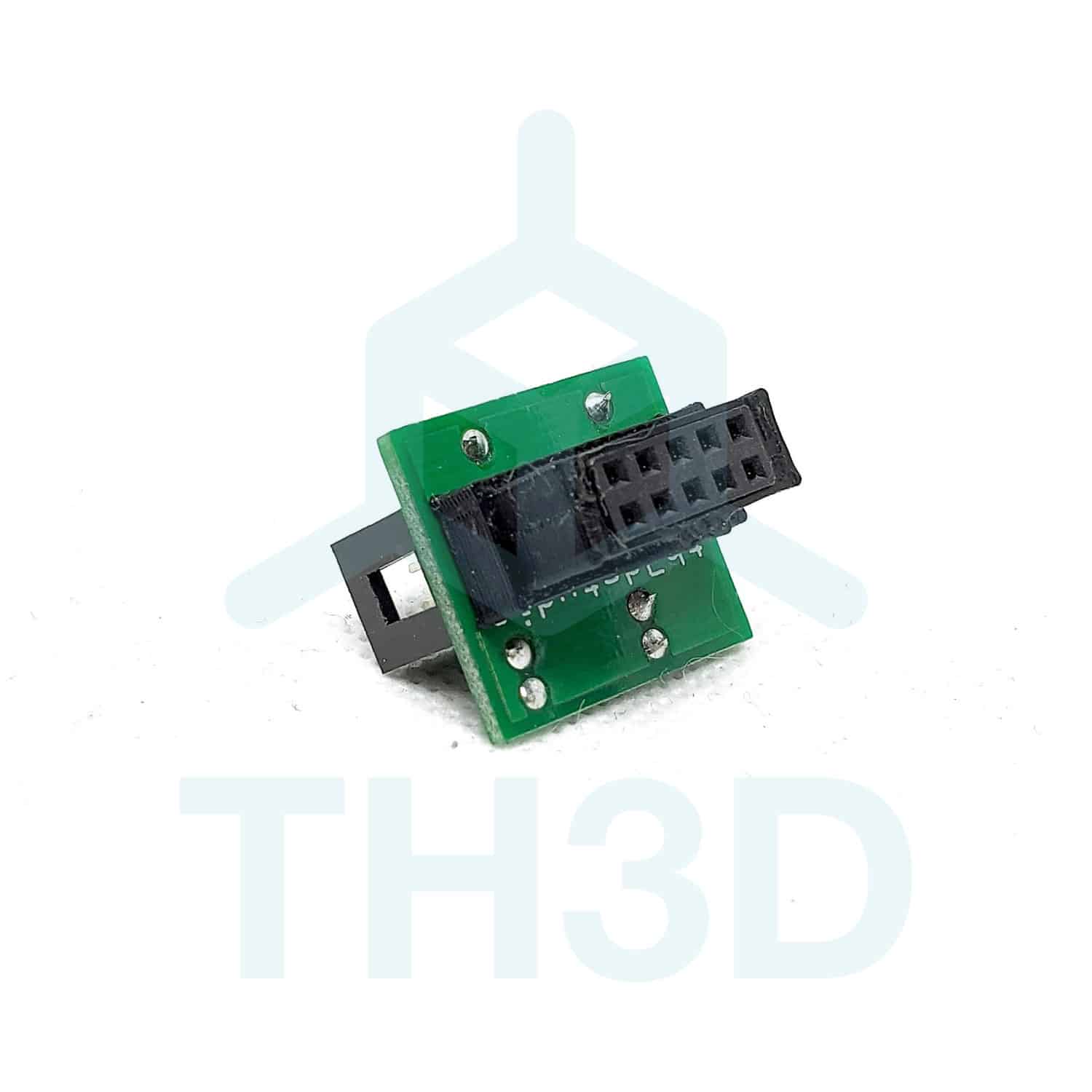
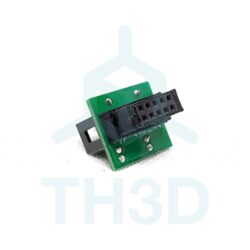
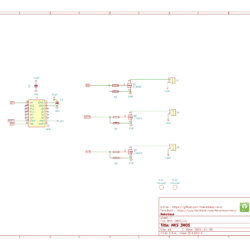
Pullup LCD EMI Filter Board for SKR E3 Mini/Turbo, Voxelab Aquila X1 and Creality V4.2.X Boards
$7.99
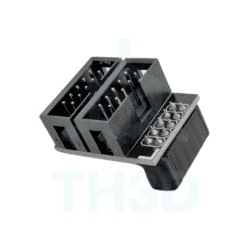
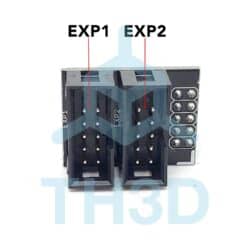
Fixes issues with the LCD Encoder – Works with SKR E3 Mini, SKR E3 Turbo, Voxelab Aquila X1, Creality V4.2.2, and Creality V4.2.7 boards
Designed and soldered in the USA by TH3D
In stock
Usually ready in 1 hour or less - See how it works | View on Google Maps
Description
Issue Details
Due to design of the E3 Mini/Turbo, V4.2.2, Voxelab Aquila X1, and V4.2.7 boards suffer from EMI on the LCD lines. This presents itself as if the LCD button is being pressed repeatedly or the feedrate on the LCD (the 100% changing) changing on its own. This is most common on the Ender 5 series machines. This is not a firmware issue; this is an issue with the board itself.
Help Center Article with more details: SKR E3 Mini, SKR E3 Turbo, Creality V4.2.2, and V4.2.7 LCD EMI Issue – TH3D Studio LLC
Installation
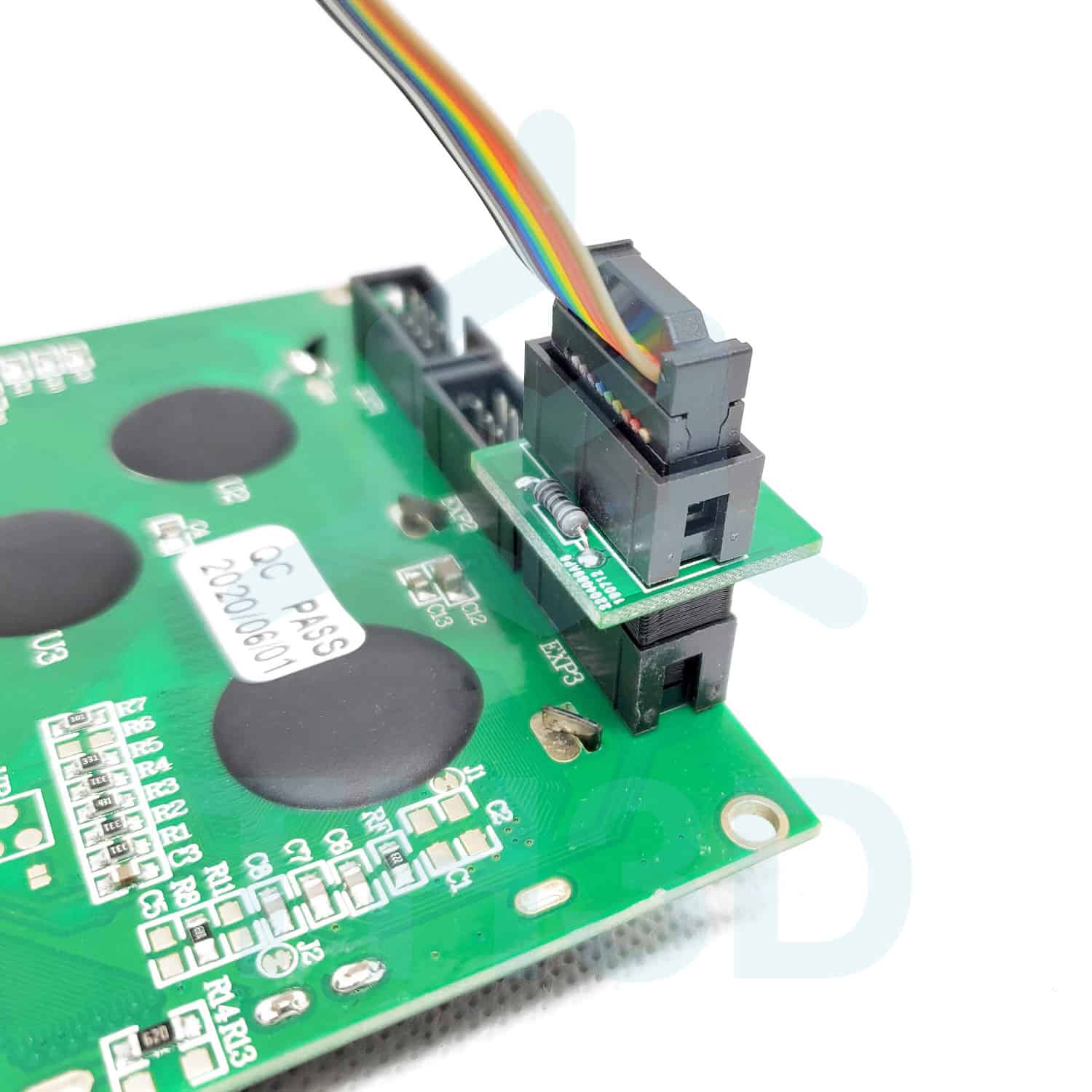
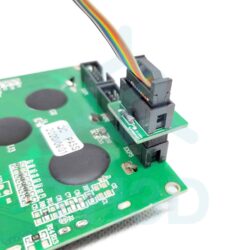
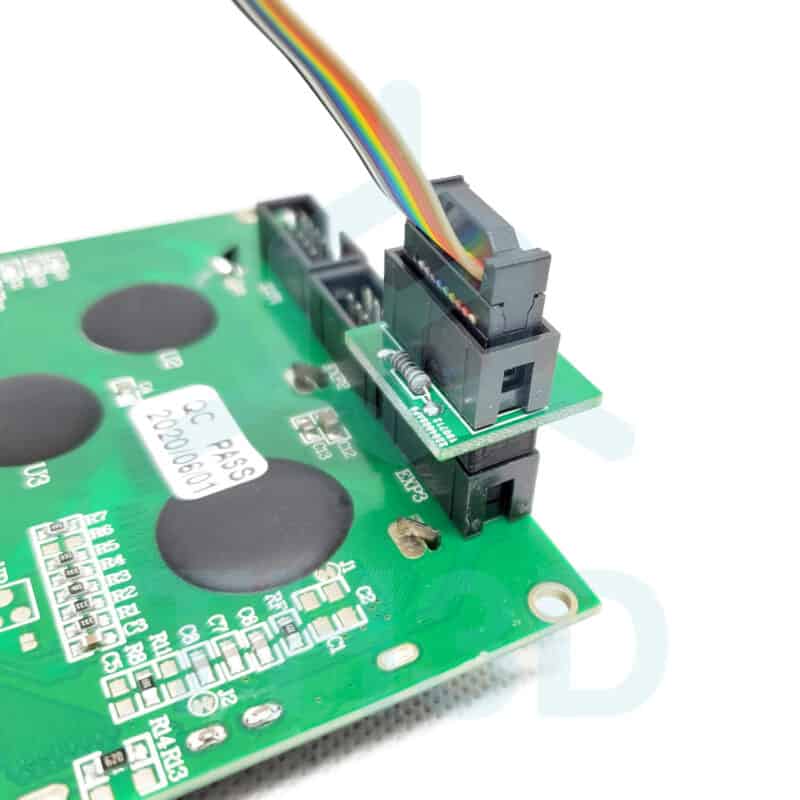
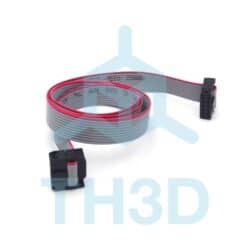
Simply plug the board onto the EXP3 Header on your LCD and then plug the LCD cable into our board as shown below. No firmware changes are needed.
Video of the Issue this board fixes
DIY Pricing: Support Not Included
To keep our part prices as low as possible, this item does not include technical support.
Need help installing or troubleshooting?
We offer paid Priority Email Support and Live Expert Consultations starting at just $35.
Reviews (4)
4 reviews for Pullup LCD EMI Filter Board for SKR E3 Mini/Turbo, Voxelab Aquila X1 and Creality V4.2.X Boards
Add a review
Additional information
| Weight | 1 oz |
|---|---|
| Dimensions | 0.2 × 0.2 × 0.2 in |
| Made In | 🇺🇸 USA (with 🇺🇸 USA and 🌎 Global Materials) |
| Warranty Length | 6 Months |
Related products
ASD (verified owner) –
I will not be using this component as I purchased a replacement control board the current one on the Voxelab 3d printer. I was unable to get the firmware I purchase here to function on the original board after a successful compile. I will say that the adapter pullup board for the 10 type display looks rugged and uses through hole resistors so if I desired, I could easily change the part values.