
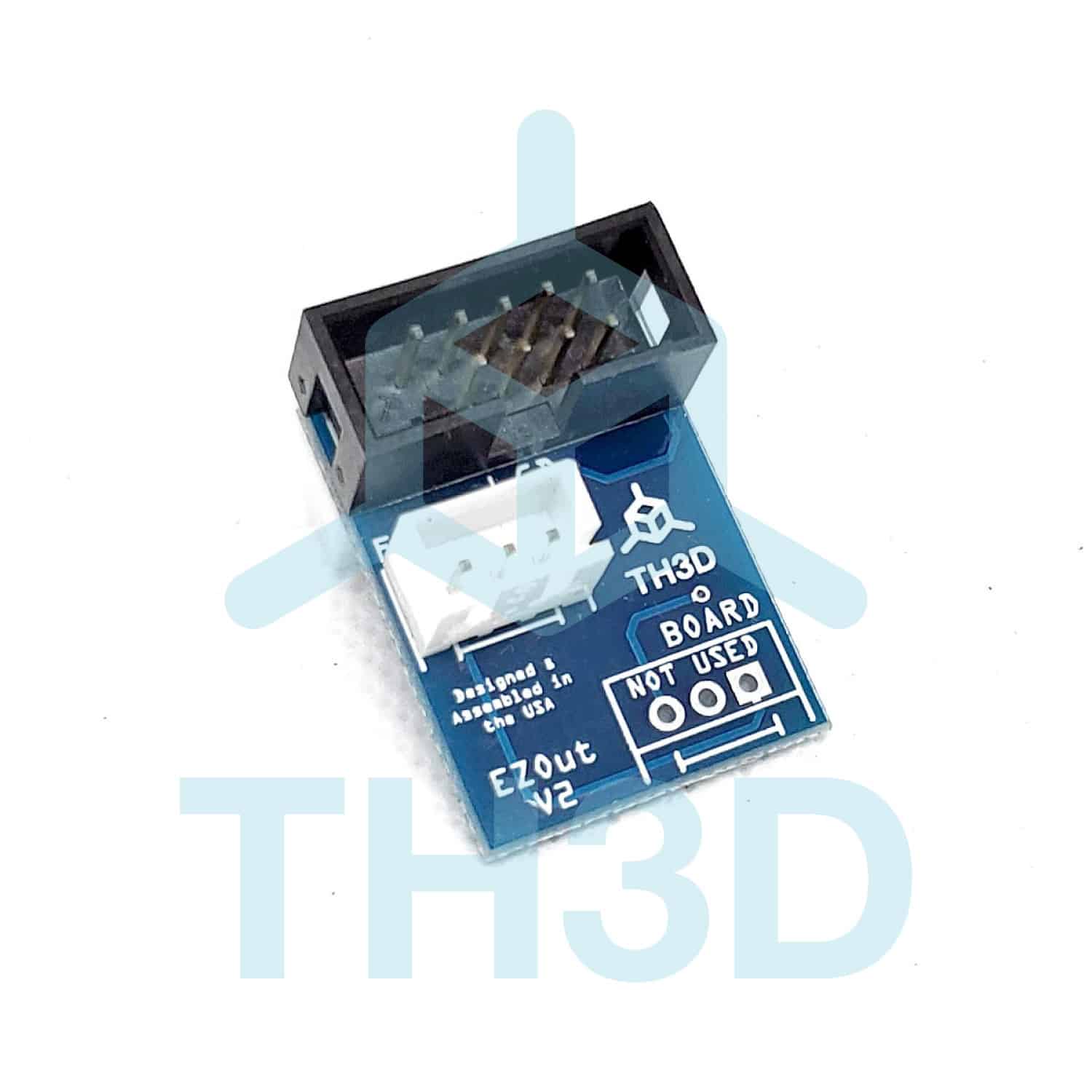
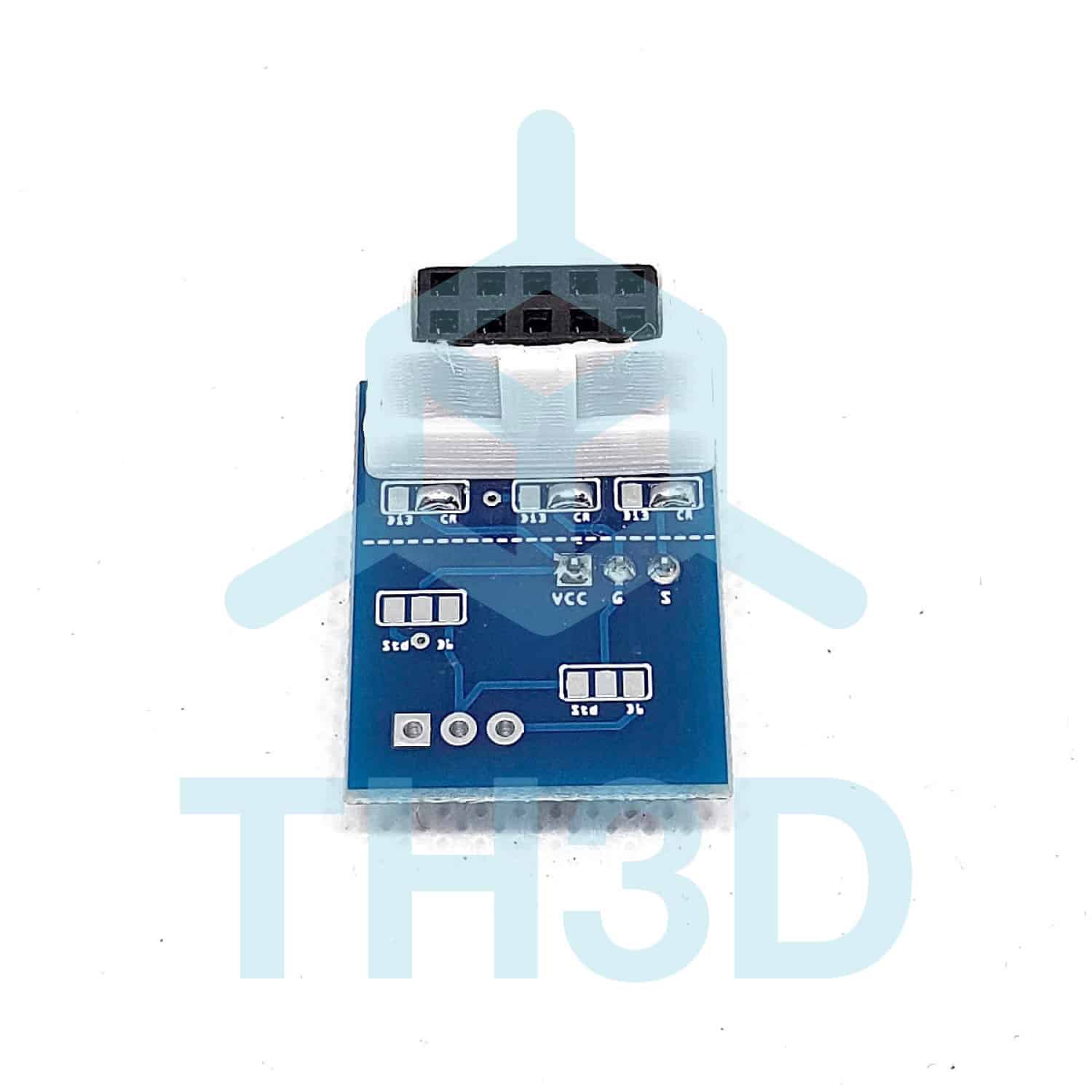
EZOut V2 “Pin 27” Board – For use with BLTouch/CRTouch or Filament Sensor – Creality Melzi Boards (V1.1.1, V1.1.2, V1.1.3, V1.1.4, V1.1.5)
$6.99
- The original “Pin 27” adapter board
- High quality PCBs with 2oz copper and wide traces
- Soldered by hand in the USA by TH3D
- These are the boards ONLY.
- Works with our EZOut filament sensor (add on below)
In stock
Usually ready in 1 hour or less - See how it works | View on Google Maps
Description
Why do you want this upgrade?
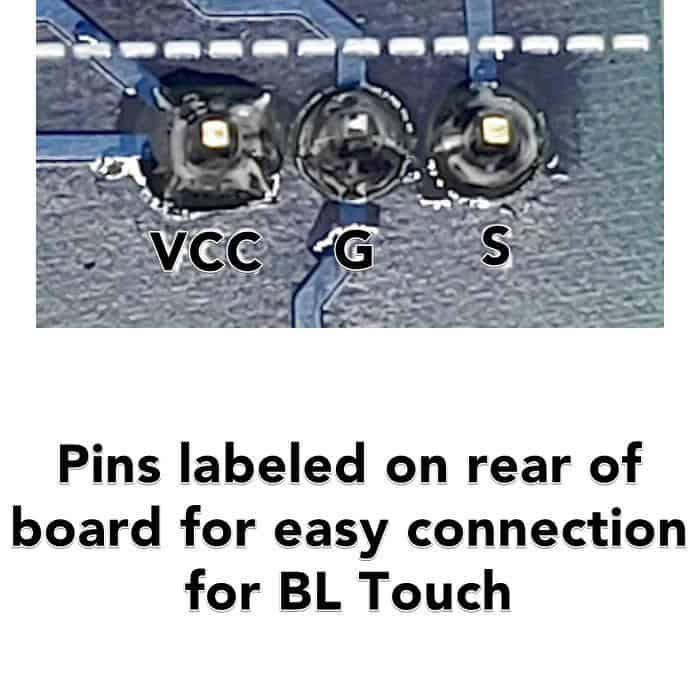
If you get the EZOut board you will be using this to connect a BL Touch ABL sensor to your 3D Printer. You plug this board into your LCD header on your control board and then plug the LCD cable into our board. You then have the required 5V, Ground, and Signal pins available to connect to your BL Touch Sensor with ZERO soldering. Recommended BL Touch Installation Information: https://www.thingiverse.com/thing:2975949
Installation Links
Use our new Unified 2.0 Firmware and follow our setup guide for the BLTouch here: Unified Firmware – BLTouch Settings
Unified 2.0 for these boards is free from our support portal here: https://tickets.th3dstudio.com/help-guides/article/discontinued-unified-2-firmware-downloads
Bootloader Required
Follow our very easy to follow guide with a video on our page here: 1284p Printer Bootloader Flashing Video Guide – CR-10/Ender 2 3 5/Wanhao i3/Anet
Arduino R3 board required to flash the bootloader (not included).
FAQ
- Why is there a pin missing on the header?
- This is removed so the pin does not connect to the LCD after installation and is completely normal.
- Is a BLTouch Included?
- No, this is just for our adapter PCB. BLTouch sold separately.
DIY Pricing: Support Not Included
To keep our part prices as low as possible, this item does not include technical support.
Need help installing or troubleshooting?
We offer paid Priority Email Support and Live Expert Consultations starting at just $35.
Reviews (3)
Be the first to review “EZOut V2 “Pin 27” Board – For use with BLTouch/CRTouch or Filament Sensor – Creality Melzi Boards (V1.1.1, V1.1.2, V1.1.3, V1.1.4, V1.1.5)”
Additional information
| Weight | 1 oz |
|---|---|
| Dimensions | 1 × 1 × 0.5 in |
| Version | CR-10/Ender3/Ender5, CR-20/CR-10S/Tornado/MKS Boards |
| Made In | 🇺🇸 USA (with 🇺🇸 USA and 🌎 Global Materials) |
| Warranty Length | 6 Months |
Related products
3 reviews for EZOut V2 “Pin 27” Board – For use with BLTouch/CRTouch or Filament Sensor – Creality Melzi Boards (V1.1.1, V1.1.2, V1.1.3, V1.1.4, V1.1.5)
There are no reviews yet.